AWS Marketplace
Apache OFBiz Enterprise ERP Solutions
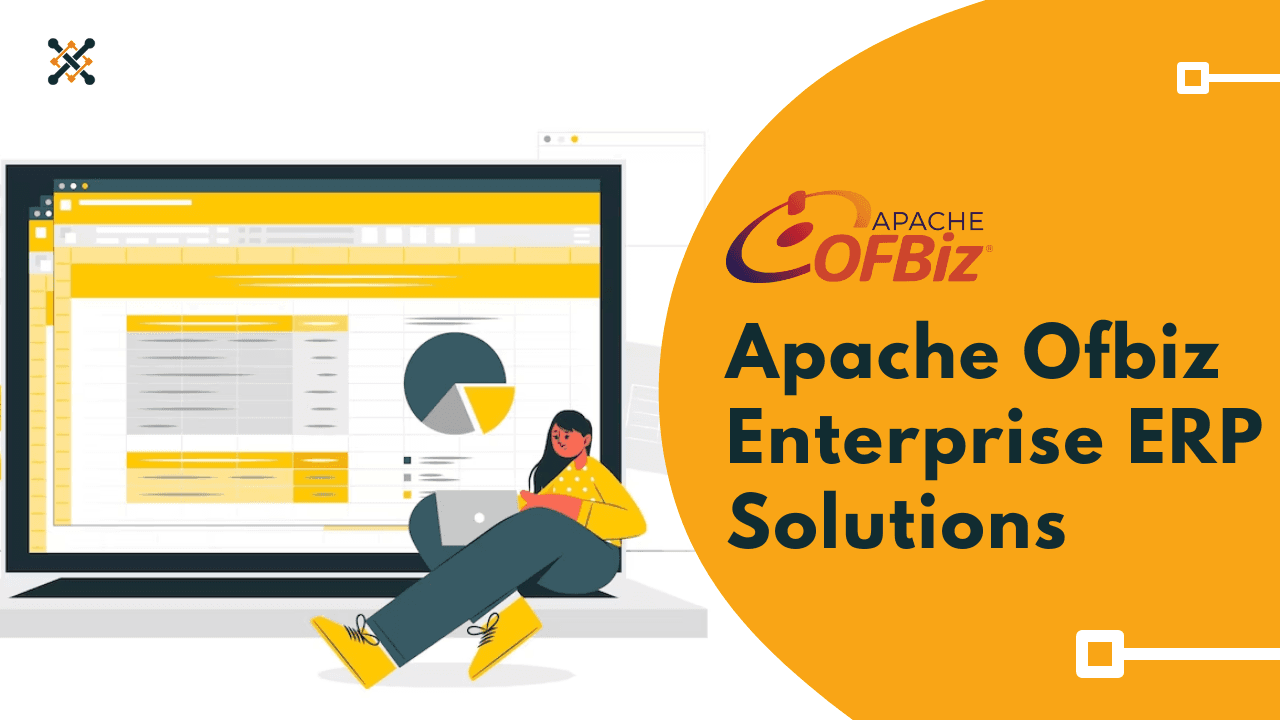
Apache OFBiz is an open-source ERP system written in Java and built on a suite of enterprise applications that integrate and automate...
Apache OFBiz is an open-source ERP system written in Java and built on a suite of enterprise applications that integrate and automate many of an enterprise's business processes. It supports business cases for CRM (Customer Relationship Management), E-Business / E-Commerce, SCM (Supply Chain Management), and MRP (Manufacturing Resource Planning).
The main advantage of OFBiz is that it comes with a set of pre-built components for standard ERP functionality, and complex ERP infrastructure is already in place and ready to use out of the box. Organizations can leverage these pre-built components to get an ERP system up and running quickly without developing everything from scratch.
Some of the main pre-built components and features in OFBiz include:
- Accounting - General ledger, accounts receivable, accounts payable, invoicing, expense management. Provides capabilities for managing finances.
- Manufacturing - Bills of materials, work orders, manufacturing scheduling, routing, and costing. Supports manufacturing operations.
- Inventory Management - Warehouse and inventory management, cycle counts, inventory transfers. Handles inventory and fulfillment.
- Catalog Management - Product catalog, catalog browsing, price management. Enables e-commerce storefronts.
- Human Resources - Organizational model, positions, compensation, recruiting, benefits, employee self-service. Automates HR processes.
- Order Management - E-commerce and brick-and-mortar sales, returns, exchanges, and tax calculation. Manages order-taking and fulfillment.
- Content Management - Content creation, review, publishing, site management, and menus. Handles content and websites.
- Framework - Common infrastructure, logic, services, APIs, and utilities. Foundation services.
Technical Usage Manual
- After subscribing to the AMI go to the launch instance and configure the required details i.e., Name, Instance type, Keypair, and Network Setting, and Configure Storage and launch the Instance
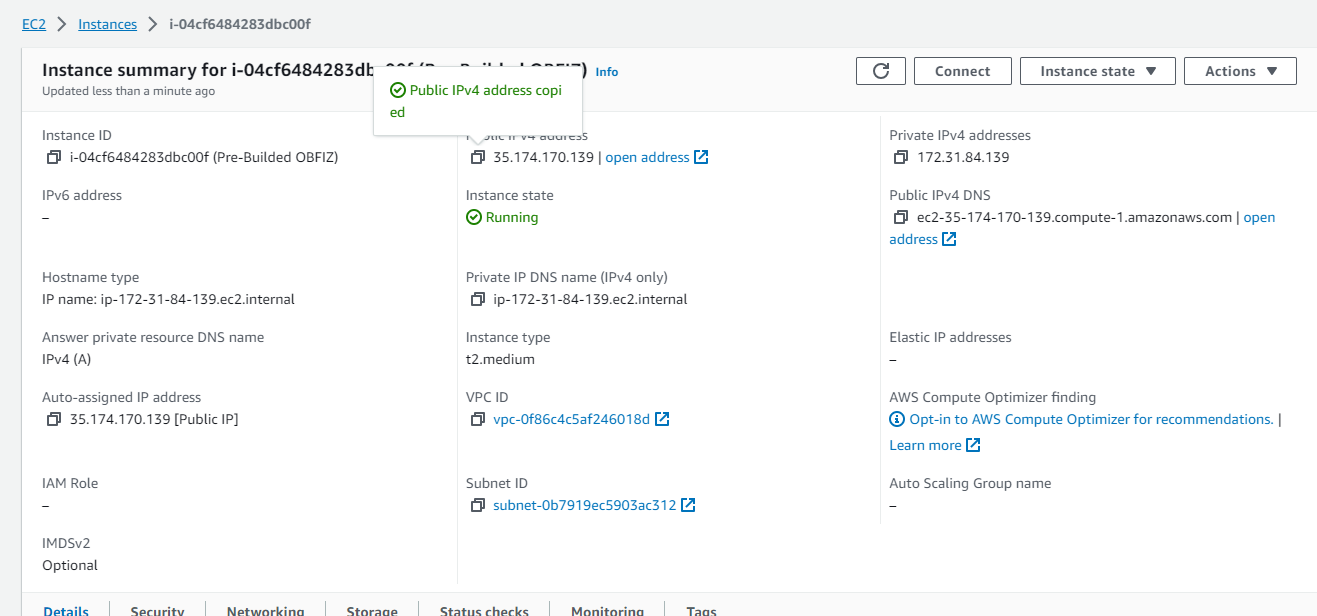
- After launching the instance successfully, Go to the EC2 Dashboard and copy the Public IP of your instance
Note: Configuration typically takes 7 to 10 minutes, so please log in after 10 minutes.
- Replace "Public_IP" in the URL and open the URL in your default web browser: URL :- http://Public IP:8080/myportal/control/main

- The Login Page appears
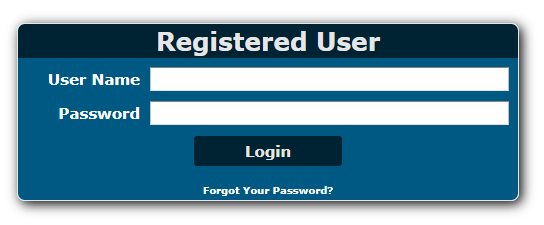
- Enter the User Name as admin
- To get a Password Connect to an EC2 instance and run sudo cat /usr/local/apache-ofbiz/generated_password.txt

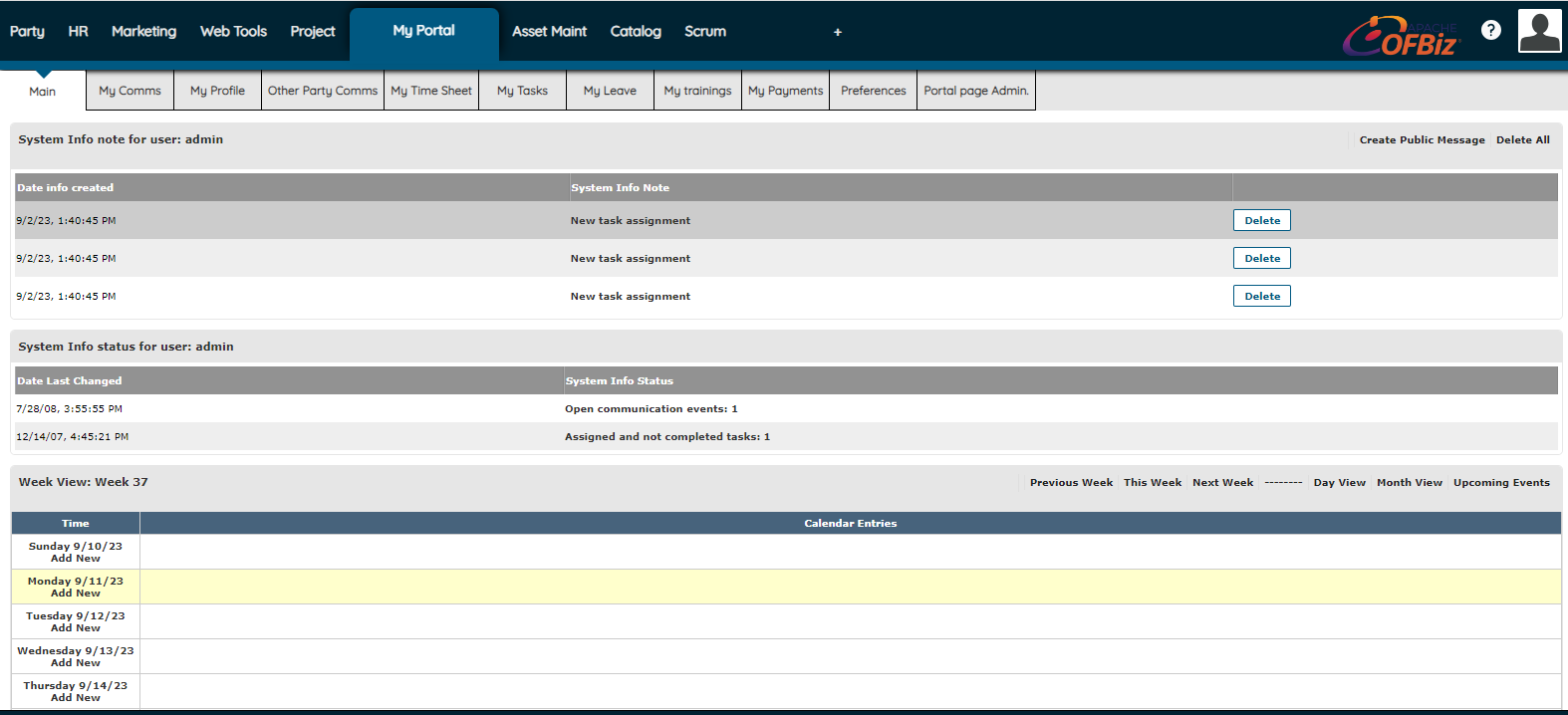
- After the Login your application page looks like this and you are ready to configure the ERP application you want
Enable HTTPS (optional)
- To Enable HTTPS connect your EC2 terminal using SSH
Example: ssh -i "Your.pem"root@ec2-35-174-170-139.compute-1.amazonaws.com
- RUN the Command
sudo sed -i 's/^port.https.enabled=N/port.https.enabled=Y/' /usr/local/apache-ofbiz/framework/webapp/config/url properties
You can now access Apache ofbiz on HTTPS
Insights & Support
- For further details about Apache OFBiz and its uses, refer to the ofbiz. apache.org website
- We will do our best to respond to your questions within the next 24 hours in business days. For any technical support or query, you can drop a mail to support@yobitel.com.
- Check our other Containerized Cloud-Native application stacks as EKS, ECS, Cloud Formation, and AMI - Amazon Machine Images in AWS Marketplace.
Ship this in production
Apache OFBiz Enterprise ERP Solutions
One-click deploy into your own AWS account. Your data never leaves your VPC. Billed through your existing AWS account — no separate Yobitel subscription, no procurement overhead.